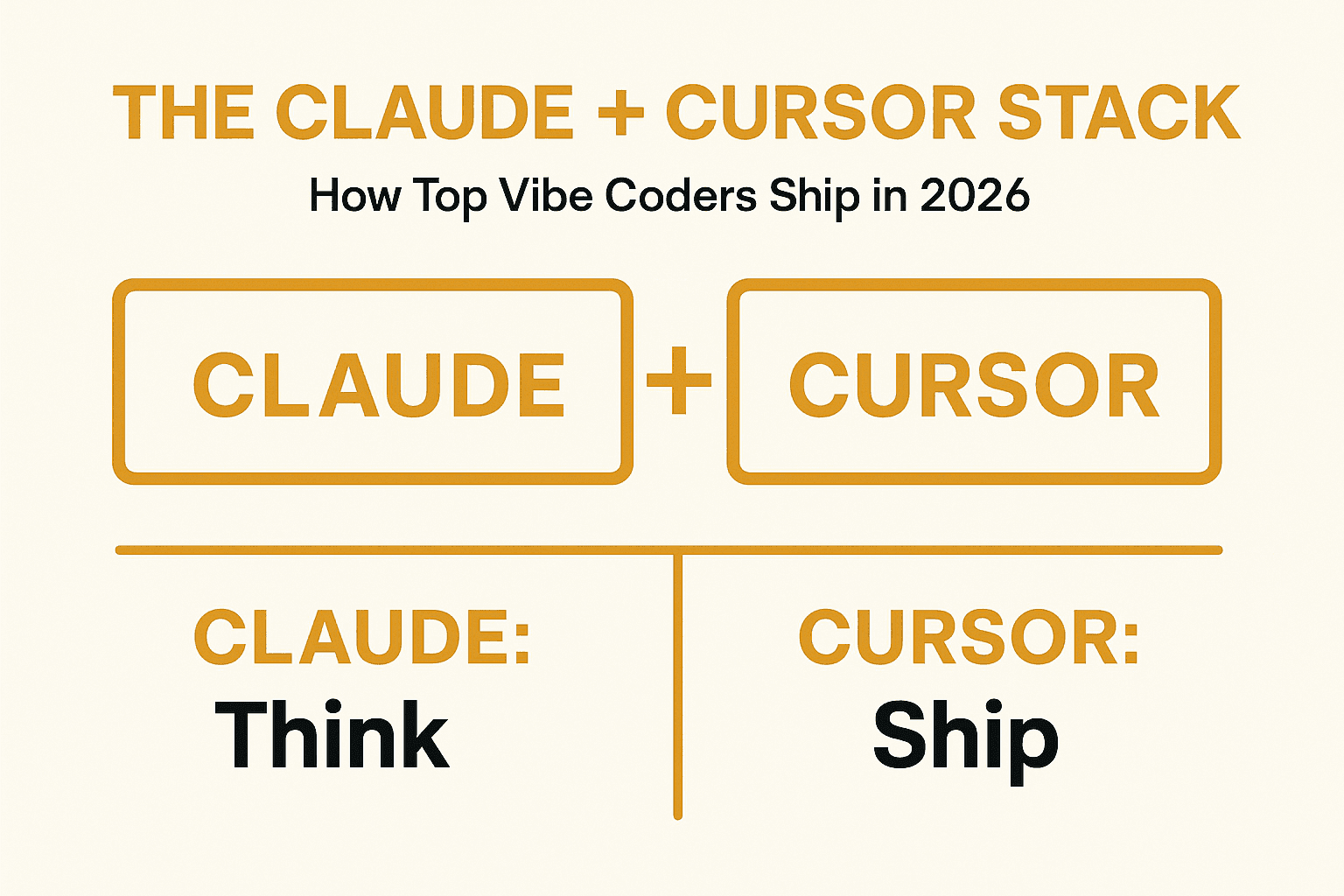
The Claude + Cursor Stack: How Top Vibe Coders Actually Ship in 2026
TL;DR: The "Claude vs Cursor" debate misses the point. After 60 days using both daily, I found the real answer: use them together. Claude for thinking, Cursor for shipping. Here's the exact workflow.
I spent a month down a rabbit hole.
I read every comparison article. Watched every YouTube review. Joined the Reddit threads debating which AI coding tool is "best." I even made a spreadsheet comparing features, pricing, and context windows.
And after all that research, I realized I'd been asking the wrong question.
The developers shipping the fastest aren't asking "Claude or Cursor?" They're asking "which tool for which job?"
Here's what I found after 60 days of using both daily on real projects.
The Debate That Doesn't Matter
If you've spent any time on developer Twitter or Reddit lately, you've seen the debate:
- "Cursor is just a VS Code fork, Claude Code is the future"
- "Claude Code is too expensive, Cursor gives you more for less"
- "Cursor's tab completions are unmatched"
- "Claude's context window destroys everything"
Everyone has an opinion. Almost nobody talks about using both.
But here's the data point that changed my thinking: by the end of 2025, roughly 85% of developers were regularly using AI tools for coding. That number keeps climbing. And the fastest shippers I've observed aren't religious about one tool. They've built a stack.
What Actually Changed in 2026
Five months ago, most comparisons framed Cursor as "the IDE assistant" and Claude Code as "the autonomous terminal agent."
That framing is dead.
Both tools now have:
- Background agents that run tasks while you do other things
- CLI access for terminal workflows
- Agentic capabilities that overlap more than they diverge
Claude Code runs in VS Code now. It has a desktop app. It even launched a browser-based IDE. Cursor shipped a CLI in January 2026 with agent modes and cloud handoff.
The old "terminal vs IDE" binary doesn't hold up anymore.
The Real Difference: Workflow Philosophy
What actually separates these tools in 2026 isn't where they run. It's how much autonomy you're comfortable giving them.
Claude Code Philosophy
- Trust the AI to operate across files autonomously
- Let it run commands on your behalf
- Think of it as a senior engineer who handles entire tasks
Cursor Philosophy
- See every change before it happens
- Stay in familiar VS Code interface
- Think of it as a pair programmer who suggests but doesn't act alone
Neither is better. They're just different relationships with AI.
The Stack: When to Use Which
After 60 days of testing on three real projects, here's the workflow that 10x'd my shipping speed:
Use Claude Code When:
1. Understanding a new codebase
Drop a repo into Claude Code and ask it to explain the architecture. Its massive context window (200K, with 1M in beta) means it can see relationships across files that would take you days to map manually.
2. Complex refactors
When you need to rename a function that's called in 47 places across 12 files, Claude Code handles the cascade while you focus on the logic.
3. Architecture decisions
"I need to add authentication to this app. What's the best approach given my current stack?" Claude excels at these big-picture conversations.
4. CI/CD and automation
Claude Code's sub-agents and GitHub Actions integration make it ideal for tasks that need to run independently.
Use Cursor When:
1. Day-to-day coding
The tab completions are unmatched. Cursor's specialized model predicts what you want before you know you want it.
2. Quick iterations
Need to change a button color, fix a typo, adjust spacing? Cursor's inline editing is instant.
3. Visual feedback
Seeing your code and the result side by side in a full IDE matters for UI work.
4. Working with multiple models
Cursor lets you switch between Claude, GPT-5.3, Gemini 3, and their own model. Some tasks work better with different models.
The Handoff: Moving Between Tools
Here's the workflow that took me from "which is better" to "how do I use both":
Step 1: Architecture in Claude Code Start with the big picture. Explain what you're building. Let Claude help you plan the structure, choose libraries, and think through edge cases.
Step 2: Implementation in Cursor Take the plan into Cursor for hands-on coding. Use tab completions, inline edits, and the familiar VS Code workflow.
Step 3: Complex tasks back to Claude Code When you hit something gnarly - a refactor that touches 20 files, a bug that requires tracing through multiple systems - switch back to Claude Code.
Step 4: Background agents for the rest Both tools now support background agents. Use them for tests, documentation, and cleanup while you move to the next feature.
The Cost Question Everyone Asks
"Which tool won't torch my credits?"
This is now one of the loudest conversations in developer communities. Pricing models are debated almost as intensely as capabilities.
The reality:
- Both start at $20/month (Pro tier)
- Heavy users pay $60-200/month depending on usage
- Claude Code users got hit with rate limits in mid-2025 that caused mid-workstream lockouts
- Cursor's multi-model flexibility can either save or cost you depending on how you use it
The efficiency hack:
Every misinterpretation, hallucination, or failed agent run is wasted money. I've found that:
- Clearer prompts save money. Spend 30 seconds writing a detailed prompt instead of 3 vague attempts.
- The right tool for the task saves money. Don't use Claude Code for a typo fix. Don't use Cursor for a 20-file refactor.
- Background agents are cheaper than you think. They're optimized for efficiency in ways interactive sessions aren't.
What I Wish Someone Had Told Me
After 60 days, here's what I'd tell my past self:
Stop comparing and start combining. The tools are converging anyway. Your workflow matters more than your tool choice.
Model output quality is determined by how clearly you describe the task. I've seen no significant difference in code quality between tools when I write good prompts.
The "perfect" stack doesn't exist. What works for a data scientist won't work for a frontend dev won't work for a backend engineer. Experiment.
Your subscription cost is probably less than the time you waste debating tools. If you're building seriously, $100/month for AI tools is cheaper than hours of manual coding.
The Stack That Actually Ships
Here's my daily workflow in 2026:
Morning:
- Open Claude Code for the day's planning and architecture review
- Identify the 2-3 tasks that actually matter
Deep work:
- Switch to Cursor for implementation
- Use tab completions and inline edits
- Stay in flow
Complex problems:
- Back to Claude Code when I need to think through multi-file changes
- Let it handle the tedious stuff
End of day:
- Queue up background agents for tests, docs, cleanup
- Review tomorrow's priorities
This isn't about being religious about tools. It's about using each for what it's best at.
The Bottom Line
The Claude vs Cursor debate is exhausting. The tools are converging. The real question isn't which one wins - it's how you combine them into a workflow that ships.
Claude for thinking. Cursor for shipping. Background agents for everything else.
That's the stack.
Frequently Asked Questions
Do I really need both tools?
No. You can absolutely ship great code with just one. But if you're spending 20+ hours a week coding, the productivity gain from using both is worth the subscription cost. Try both free tiers first.
Which one should I start with if I'm new to AI coding tools?
Start with Cursor if you want a gentle learning curve in a familiar VS Code environment. Start with Claude Code if you're comfortable with the terminal and want more autonomous help.
How do I move context between the tools?
Both tools support CLAUDE.md or .cursorrules files that document your project. Use these to share context. You can also paste relevant code snippets between tools when switching.
Won't using two tools confuse me?
The first week feels like context switching. After that, your brain learns which tool for which job. It's like switching between vim and VS Code - you eventually do it without thinking.
What about GitHub Copilot?
Copilot is excellent for inline completions. If you're already in the GitHub ecosystem, it's worth adding to your stack. But for agentic work (multi-file changes, running commands), Claude Code and Cursor are ahead.
About the Author